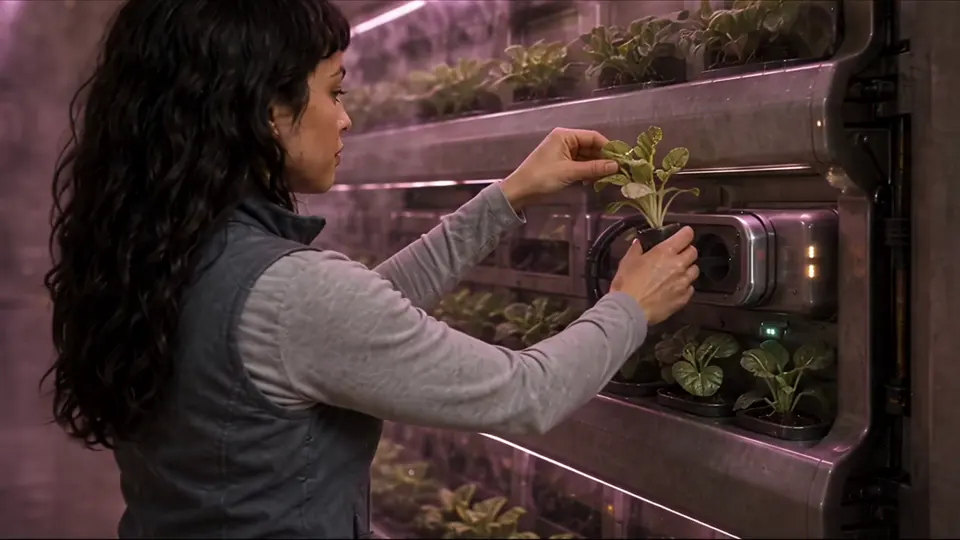
 Hydroponic wall, pink grow light
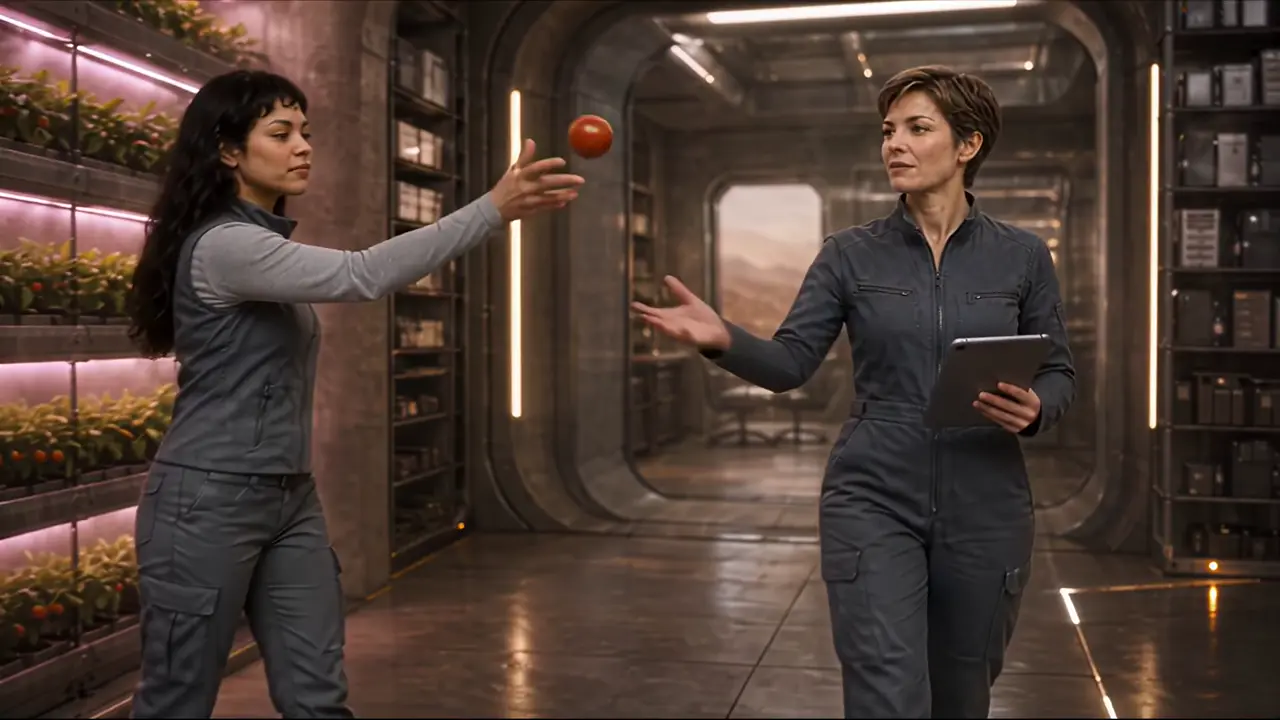 Corridor, with the Engineer
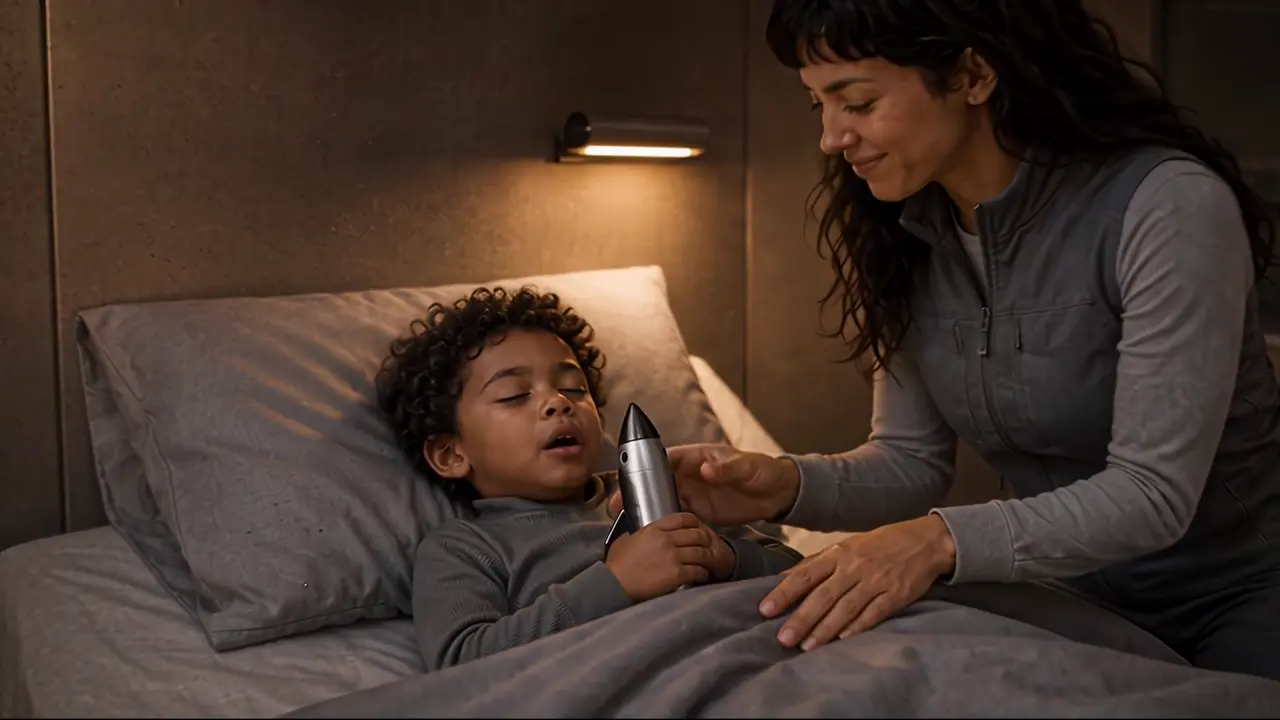 Bedroom, close and warm
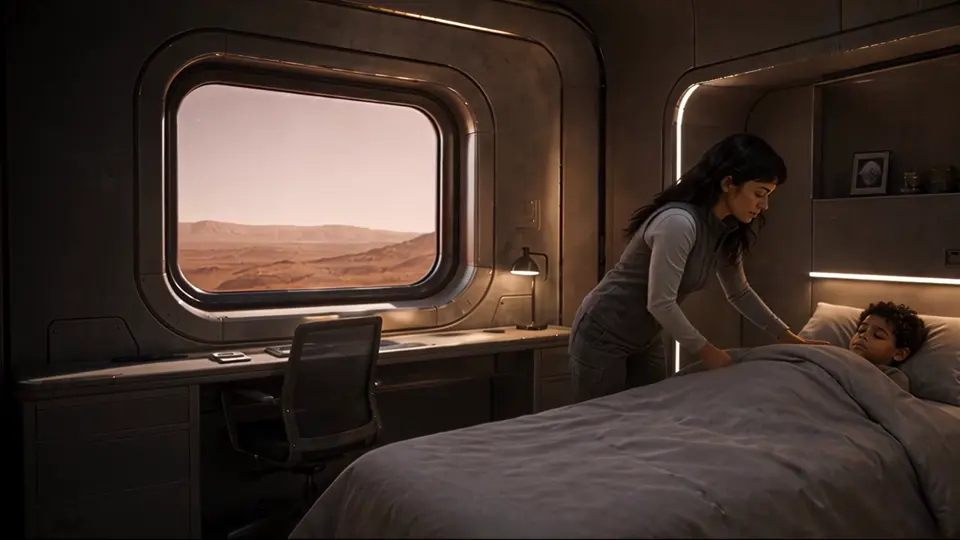 Bedroom, wide by the window
AI video models invent a new face every time they make a clip. RizzGen decides each face once, on a reference sheet you approve, and generates every shot from it.
120 free credits. No card required. Planning is always free.
The problem, and the fix
A consistent character looks like the same person in every shot: the same face, hair, build and clothes, in any light and from any angle. Video models make each clip separately, so from a text prompt alone they draw a slightly different person each time. The fix is to decide the face once, before anything is generated.
How RizzGen holds a character
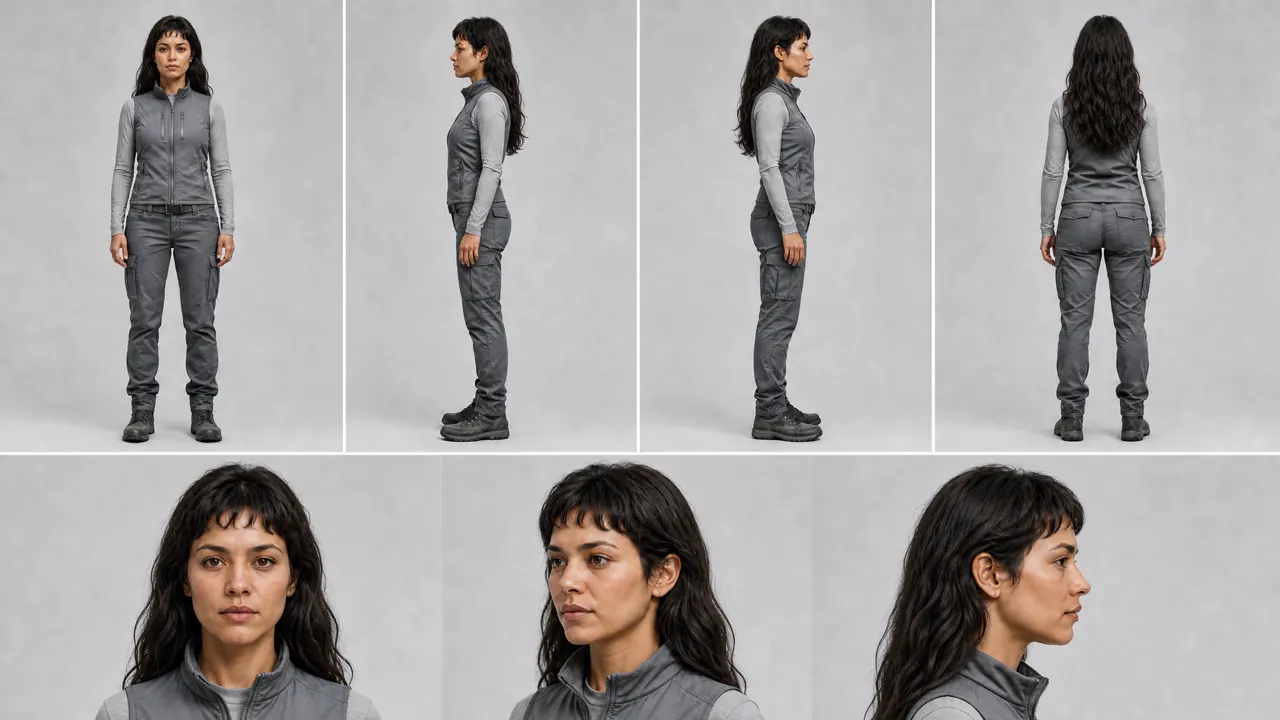
One sheet per character.
Full body from four sides and the face from three angles, in the clothes they wear in the film.
You approve it first.
Change the age, the hair, the jacket. Reference sheets are free, and no clip is made until you sign off.
Every shot uses it.
Each clip a character appears in is generated with their sheet as the reference, whatever the light or lens.
Fix the one that slips.
If one shot drifts, re-shoot that shot alone. The rest of the film stays as it was.
GENESIS is a short film made in RizzGen. Pick a character to see their reference sheet and the shots that were generated from it.
Hydroponic wall, pink grow lightCorridor, with the EngineerBedroom, close and warmBedroom, wide by the window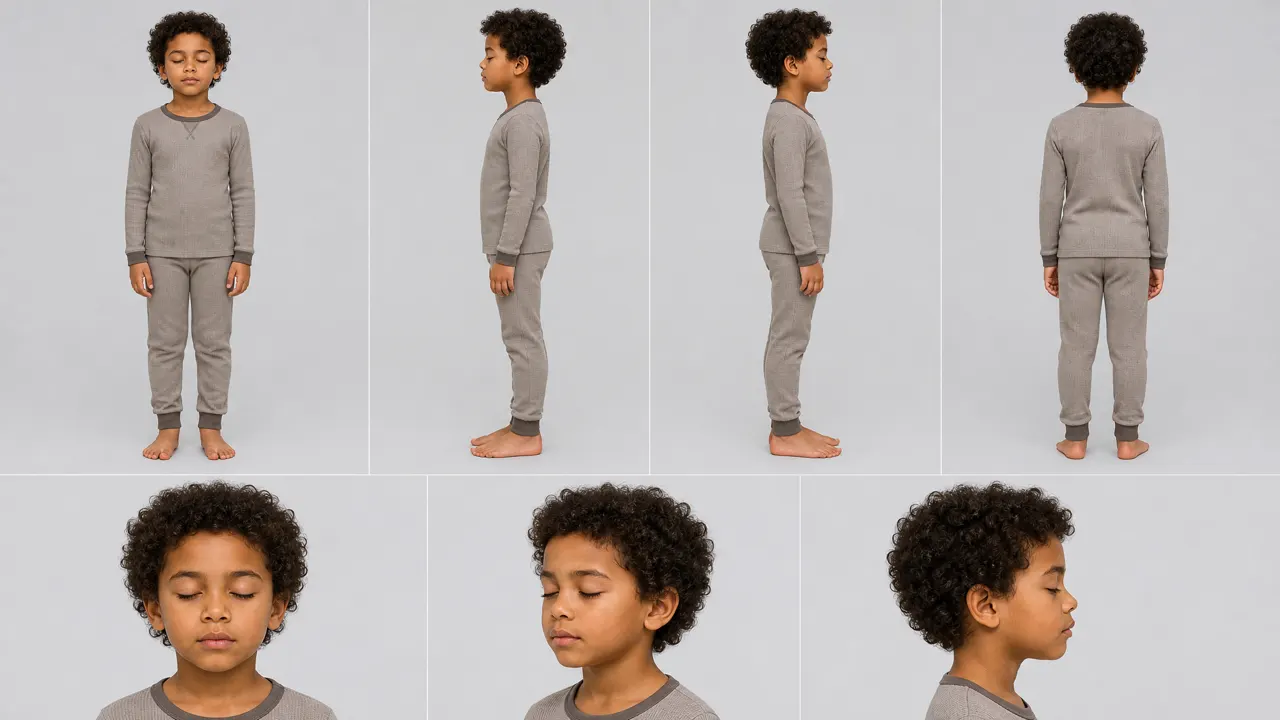 Asleep, closeAsleep, wide
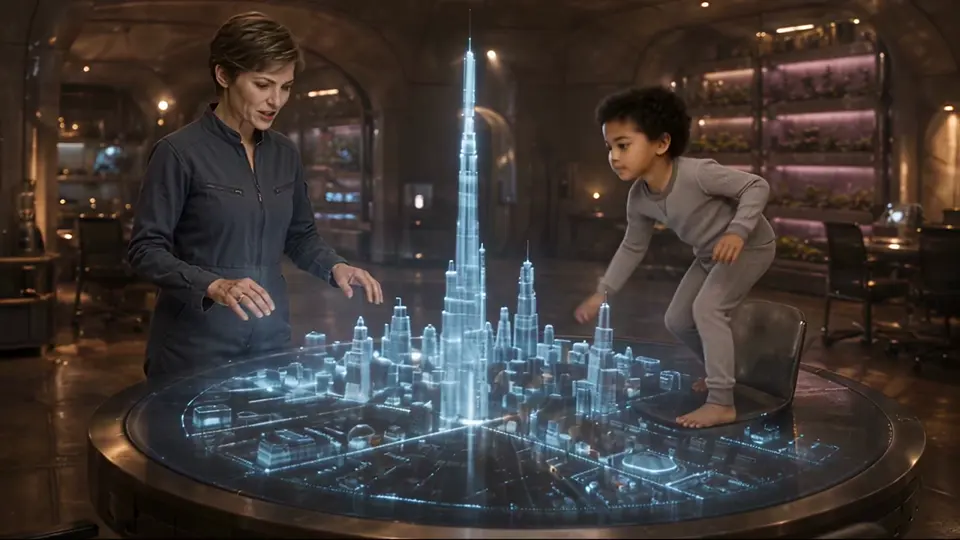 Awake, at the holographic city
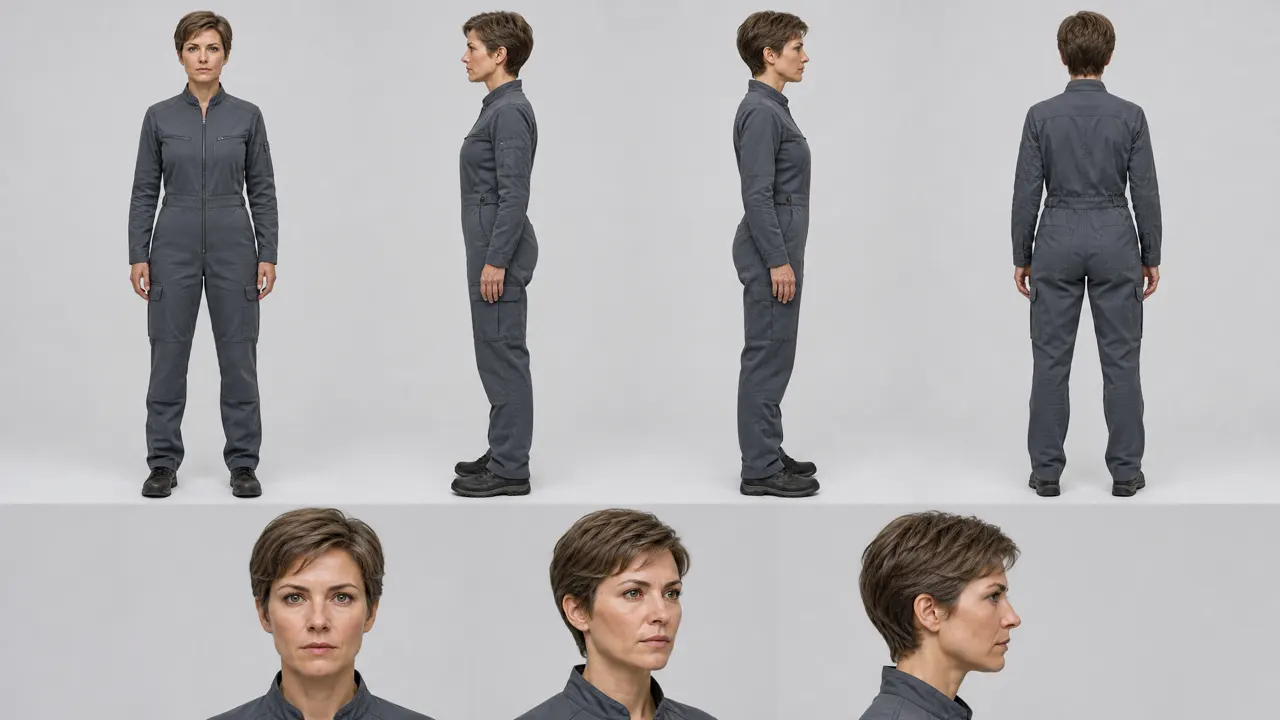 Corridor, catching the tomatoHolographic city, with the Child
Places and objects get sheets too: the habitat, the lander and the rover in GENESIS were each drawn once and reused. More on how GENESIS was made, and how the same sheets work as a series bible.
Words leave room for the model to guess. A picture does not.
Rizzi draws the sheets for you, but the same rules apply if you bring your own reference.
The concept, the script and the reference sheets for your cast, places and objects are free. Credits are used when clips, voices and music are generated, and you see each cost before you confirm.
Decide the character once, as a picture, before anything is generated. In RizzGen, Rizzi draws a reference sheet for each recurring character (the full body from several sides and the face up close, in the clothes they wear in the film), you approve or change it, and every clip that character appears in is generated with the sheet as its reference.
Video models make each clip separately. A text description such as "woman with dark curly hair" fits thousands of faces, so each clip draws a slightly different one. Without a reference image the model has nothing to hold it to the face you had in mind.
Yes. Upload a photo, drawing or render of the character and Rizzi uses it when drawing the reference sheet. Only use a real person's likeness with their permission.
Yes. RizzGen remembers your cast between projects, so episode 2 starts with the same approved sheets as episode 1 instead of a fresh guess.
Yes. Give each outfit its own reference sheet. The change then happens because you chose it, not because the model drifted.
RizzGen sends the reference sheet to the video model for each shot, but models follow references with different strictness. If a shot drifts, re-shoot that shot alone or try another model for it; the rest of the film stays as it was.
Describe your characters. You approve their sheets before any clip is made.
Planning and reference sheets are free. 120 free credits, no card required.